Client app
Your clients get an app.
No download needed.
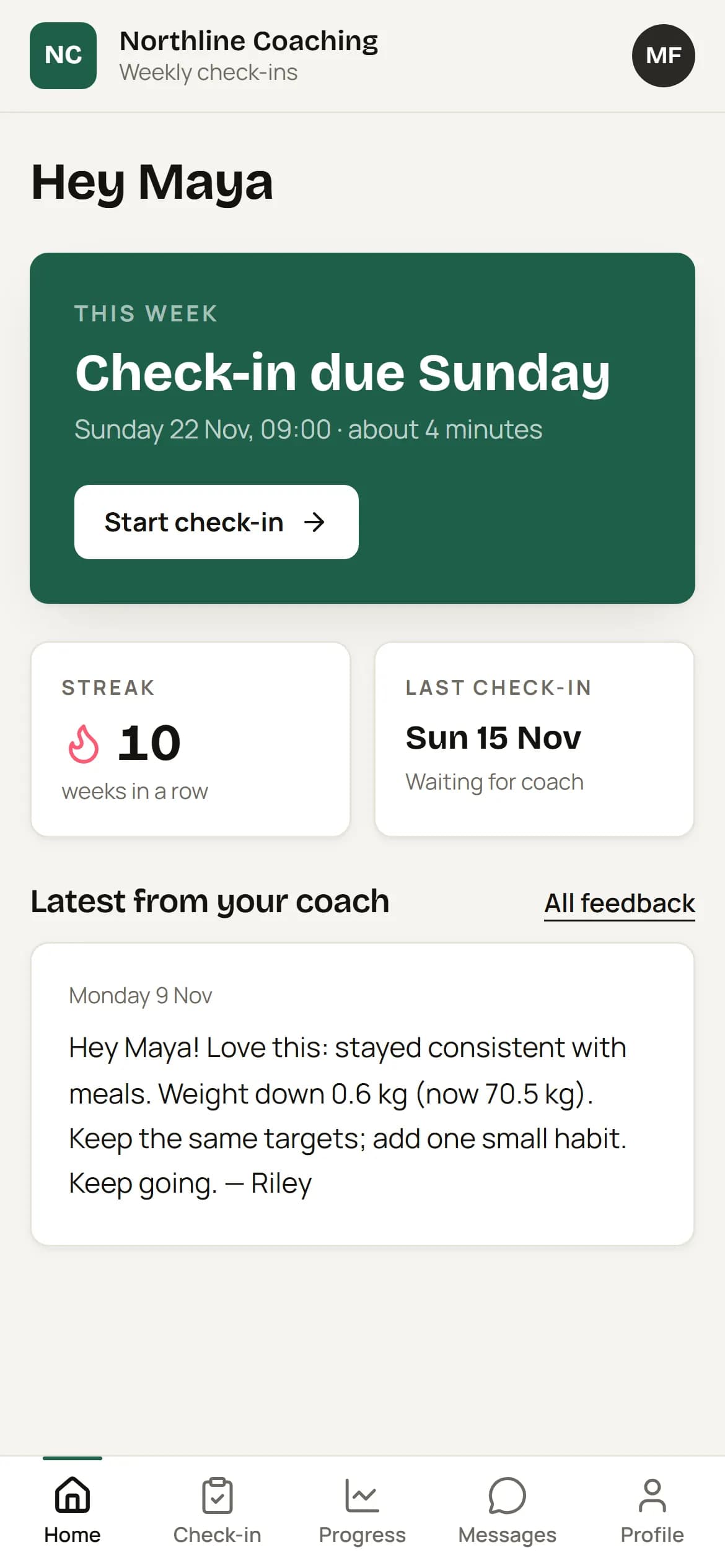
Clients open a one-tap link from their invite email and they're in — no password, no app store. It installs to their home screen, carries your logo and colours, and reminds them when check-ins are due.
The problem
Every extra step costs check-ins.
App store downloads, passwords and long web forms are where check-ins go to die — especially on a busy Sunday evening.
How it works
Three steps.
01
One-tap invite
Clients sign in with a magic link. No password to remember.
02
Add to home screen
A guided install for iPhone and Android makes it feel like a native app.
03
Check in in minutes
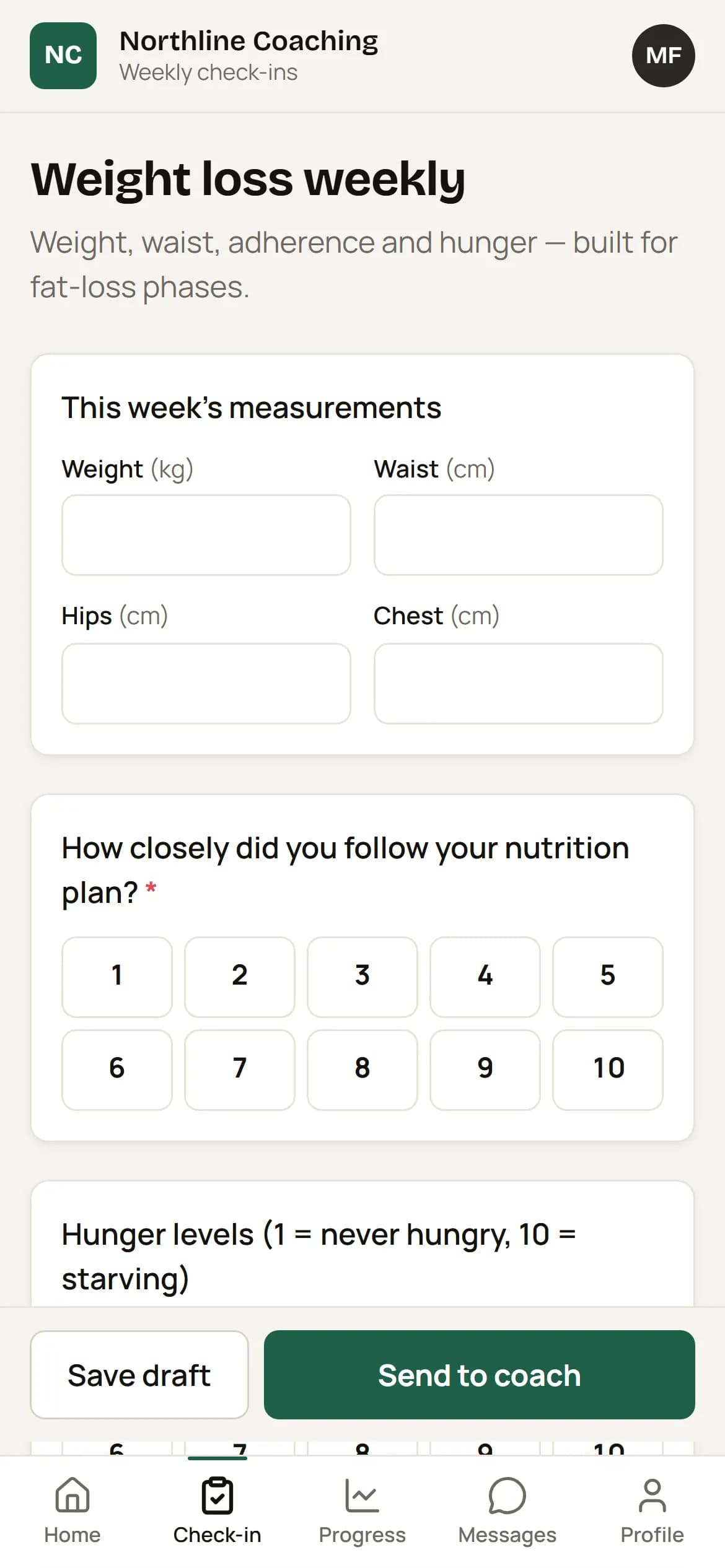
Big buttons, camera-ready photo slots, drafts saved automatically.
Details
The small things that save the most time.
Your branding
Your logo, business name and brand colour — not ours.
Reminders
Web push notifications plus email as a fallback, in the client's own timezone.
Progress
Weight chart and photo timeline so clients see how far they've come.
Feedback & messages
All your replies in one place and a simple chat with you.
Fast on mobile data
Photos are compressed on the phone before upload; drafts survive a dropped connection.
Private by default
Photos are stripped of location data and only visible to the client and you.
FAQ
Questions
Do clients need to download anything?
No. It's a web app (PWA). They can add it to their home screen in two taps.
Does it work on iPhone and Android?
Yes — any modern phone browser. Push reminders on iPhone need the app added to the home screen first.