How it works
From check-in to reply
in one sitting.
Five steps. Set-up takes about ten minutes; after that, check-in day takes about a coffee.
01
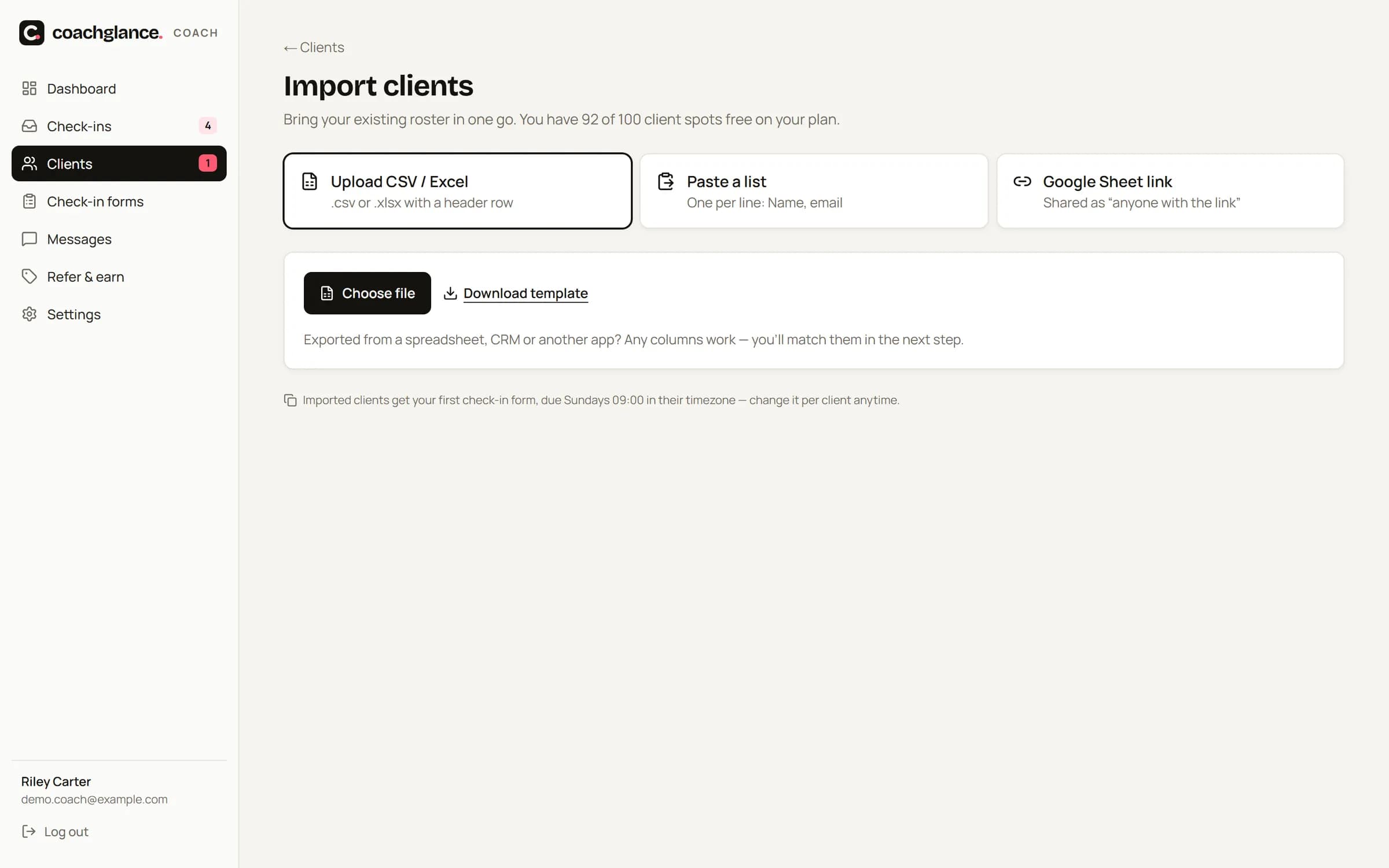
Add your clients
Add one by one, import a spreadsheet or Google Sheet, or share your join link and QR code. Each client gets a one-tap invite — no password, no app store.
02
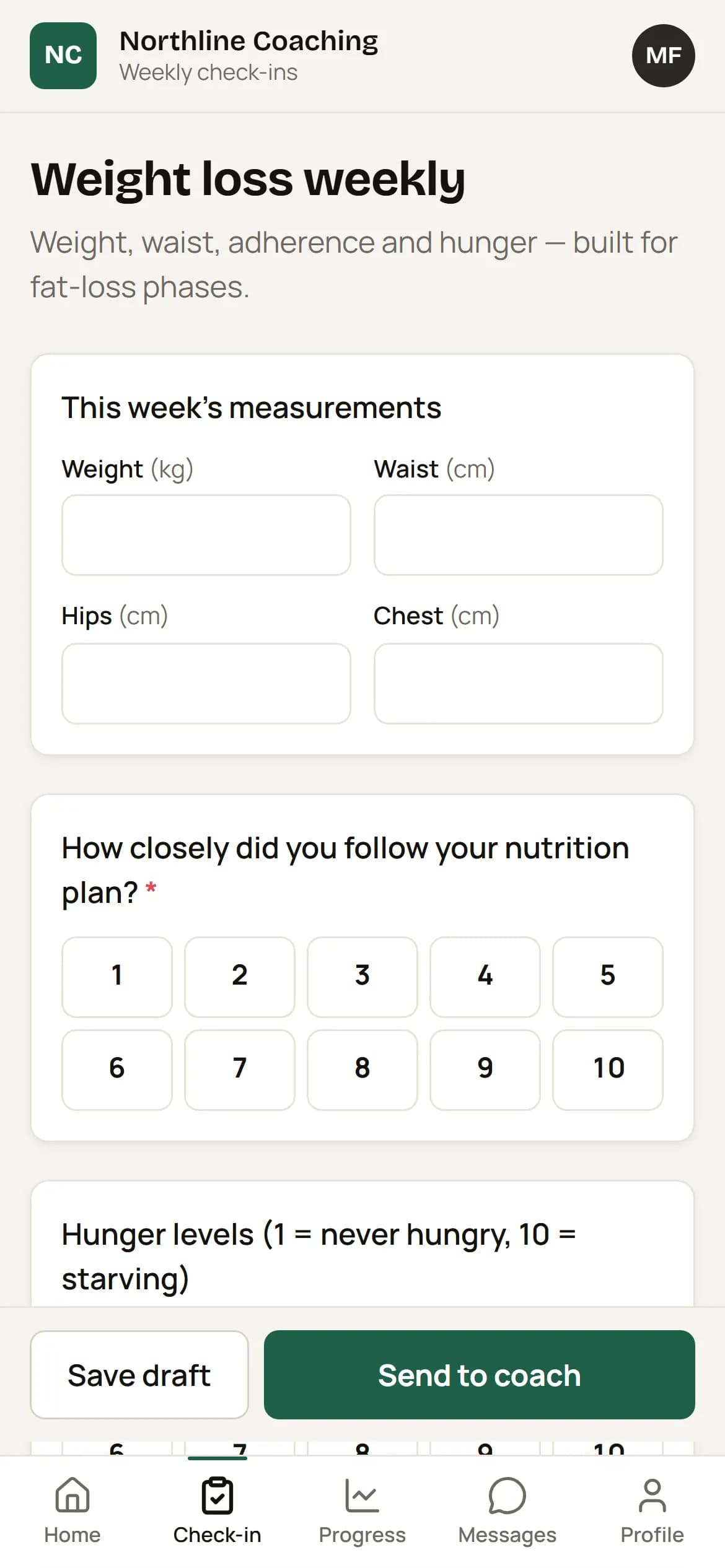
Clients check in from their phone
On their due day (in their timezone) they get a reminder. Weight, measurements, photos and your questions take about four minutes. Drafts save automatically.
03
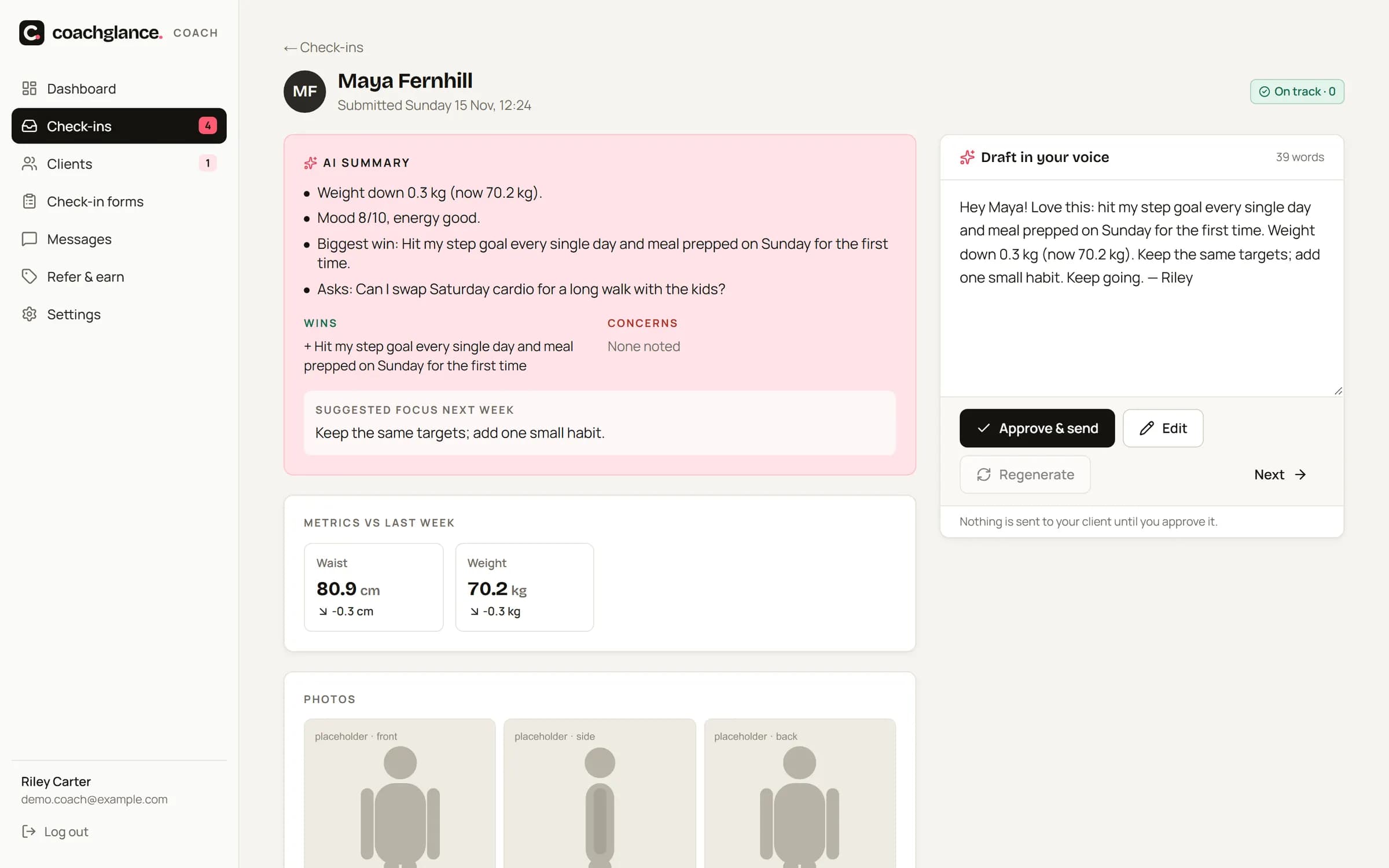
AI summarises every check-in
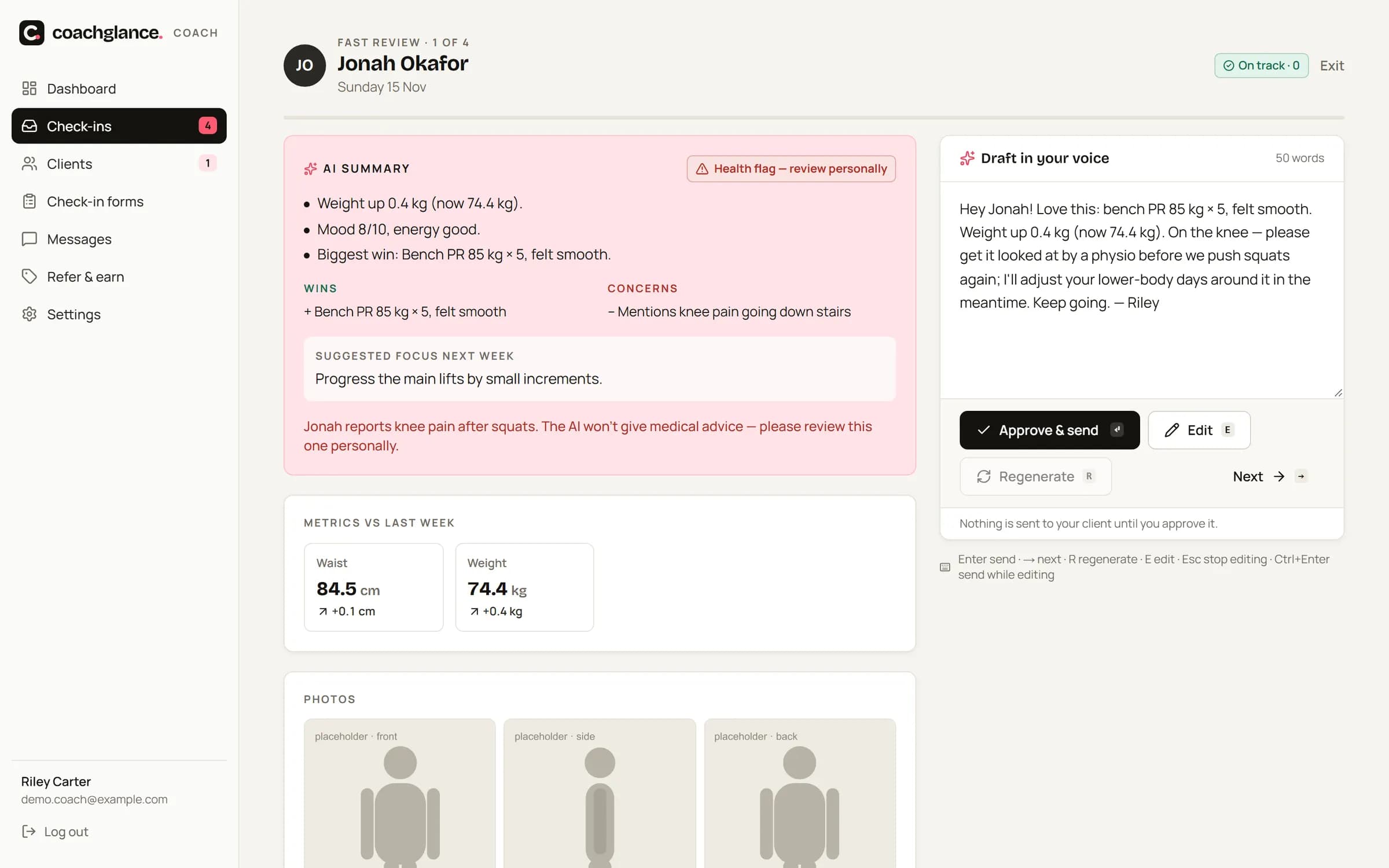
Within seconds you get a short summary, wins, concerns, metric changes and one suggested focus. Health mentions are flagged for you to handle personally.
04
You approve the reply — in your voice
The draft is written from your own example replies. Edit a line, press Enter, and Fast Review moves you to the next client. Nothing is ever sent without you.
05
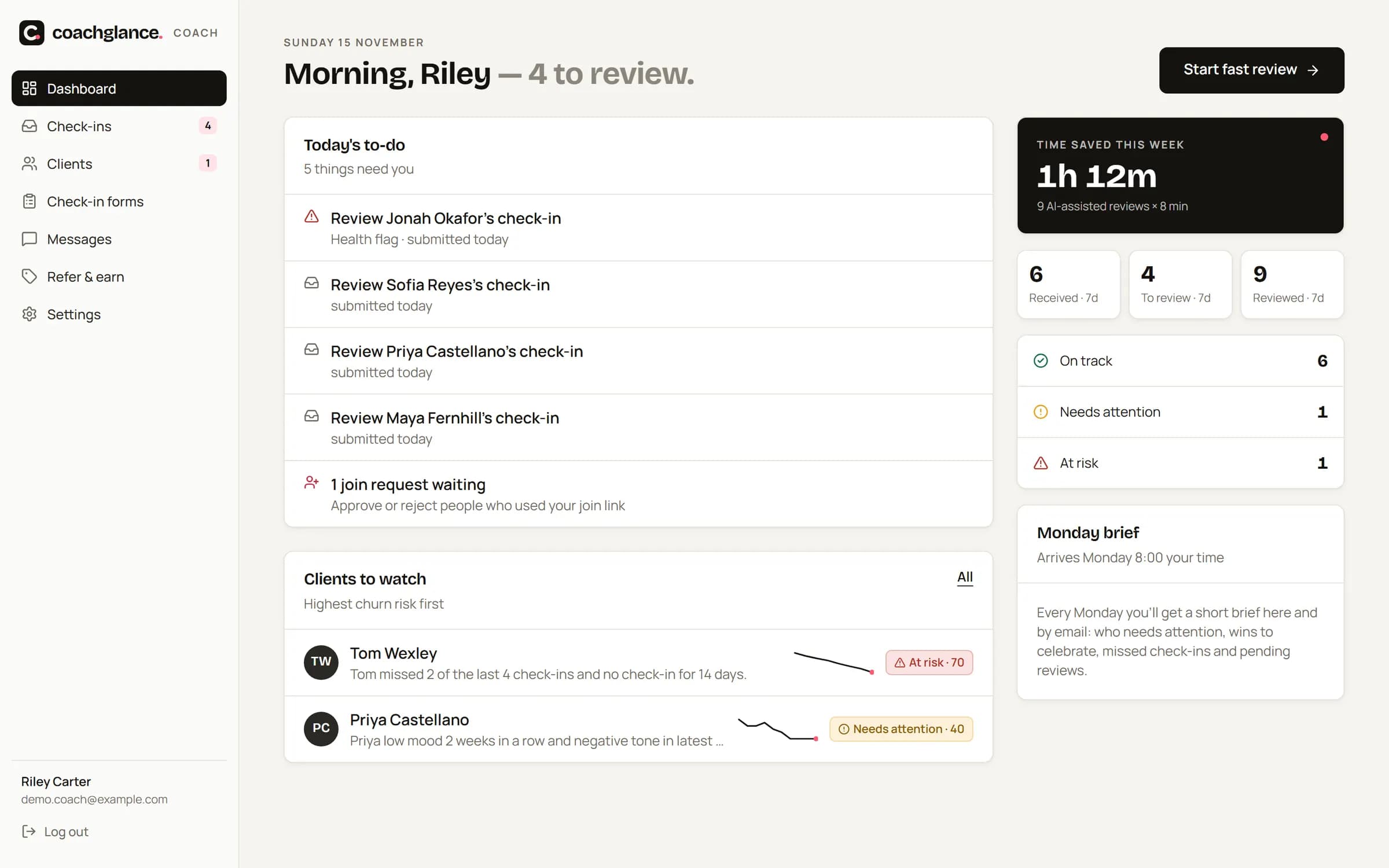
Spot who's drifting
Risk scores update after every check-in and daily. Your dashboard shows who needs attention, and the Monday Coach Brief lands at 8:00 your time.